The Dataset node holds the raw data every downstream node ultimately reads from. It has no upstream connection — it's where a flow starts.
What it needs
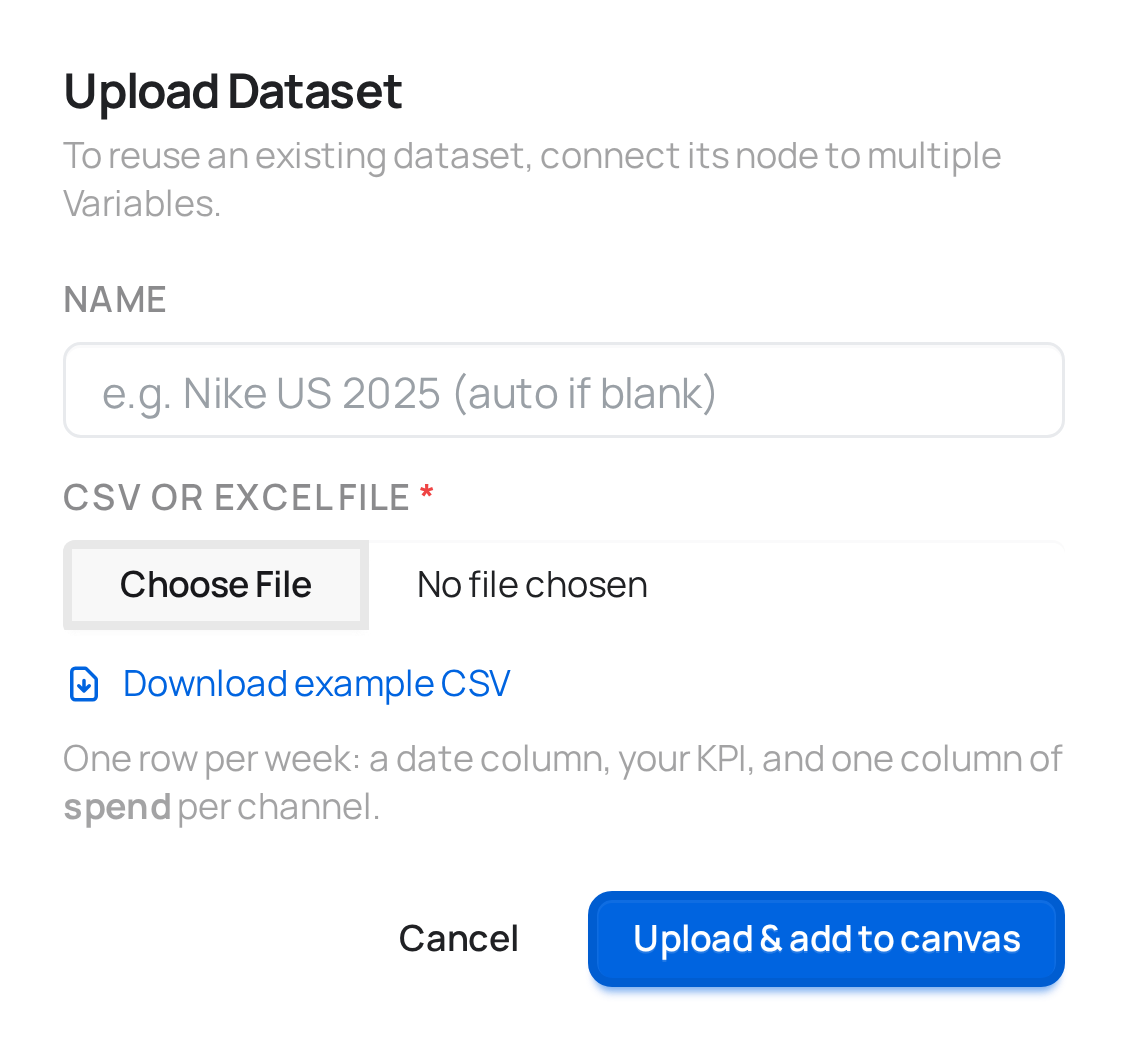
- A CSV or Excel file (
.csv,.xlsx,.xls), one row per date — or one row per date and market, in a by-market project — and one column per metric or channel. There's no fixed column-name requirement — what each column means is decided later, in Variables. - A name (optional) — if you leave it blank, meryn names it for you.
Getting the shape right
If you're not sure what meryn expects, the upload modal has a Download
example CSV button — a realistic 104-week sample with a date column,
several media channels, a couple of non-media covariates, and revenue. The
sample matches your project's level: a national project gets one row per
date; a by-market project gets several markets per date, plus the geo and
population columns that level requires. Match that shape and you can't go
far wrong.
You don't have to get the file's format right, though — that part meryn reads and asks about. See below.
meryn reads your file before it stores it
Spreadsheets get exported in a lot of dialects, and the differences are the kind that break a model quietly rather than loudly. So before anything is saved, meryn opens the file and checks four things:
| What it looks at | What it catches |
|---|---|
| Encoding | a file exported as Latin-1, where accented channel names would arrive as Búsqueda |
| Column separator | semicolons or tabs instead of commas — the case where the whole file reads as one column called date;tv;sales |
| Decimal mark | 1.234,56 written the European way, which otherwise parses as the number 1.234 |
| Date columns | any column whose values parse as dates but aren't written YYYY-MM-DD |
If everything is already canonical — UTF-8, commas, ISO dates — nothing happens and your file is stored exactly as you uploaded it (for Excel, as the CSV conversion of it — see below).
If something isn't, meryn tells you what it found and waits:
Separator: semicolon
Decimal mark: comma
Column "fecha":
%d/%m/%Y(04/03/2024 = March 4)Rows: 104
Nothing is rewritten until you confirm that reading. This matters most for
dates: 03/04/2024 is March 4th in one convention and April 3rd in the
other, and no amount of cleverness can tell them apart from the file alone.
When the values genuinely don't decide it — every day and month is 12 or
lower — meryn won't guess: the column isn't offered a fix here at all, and
you hit the wall later, when you save the Variables mapping, with an error
that says there is no way to tell whether a value like 04/03/2024 is
day/month or month/day and asks you to rewrite the column as YYYY-MM-DD.
Three things are refused outright rather than offered a fix: a file that can't be decoded at all, a header with two columns of the same name (there'd be no way to tell which one you meant later), and a file with a header but no data rows.
What happens after upload
What gets stored is a canonical file — UTF-8, commas, ISO dates — and that's
what every engine reads, so all four of them see the same numbers instead of
each guessing separately. If you confirmed a fix, the file you uploaded is
kept next to it, untouched, so there's always a way to look back at what the
fix changed. One honest caveat for Excel: .xlsx/.xls is converted to CSV
before anything else looks at it, so the kept copy is that CSV — not the
workbook itself.
There's no preview screen after upload — the first place you see your columns listed is the Variables modal (and the row count appears only in the format dialog, when there is one). The file is stored once: every Variables node built from this Dataset reads the same underlying file, so re-uploading isn't something you do per-model.
What connects here
Only Variables. A Dataset node's only job is to exist so a Variables node can be mapped against it.