Benchmark is where a flow ends: it lines up every model and allocator you connect to it, lets you compare them, and is where you designate a winner and publish results.
Connecting it
Benchmark is the one node that accepts more than one incoming connection — wire in every model and allocator you want considered together. There's nothing to fill in on the node itself; it reads its comparison set entirely from what's connected to it. Only completed runs enter the set — a model that's still training joins as soon as it finishes.
Compare
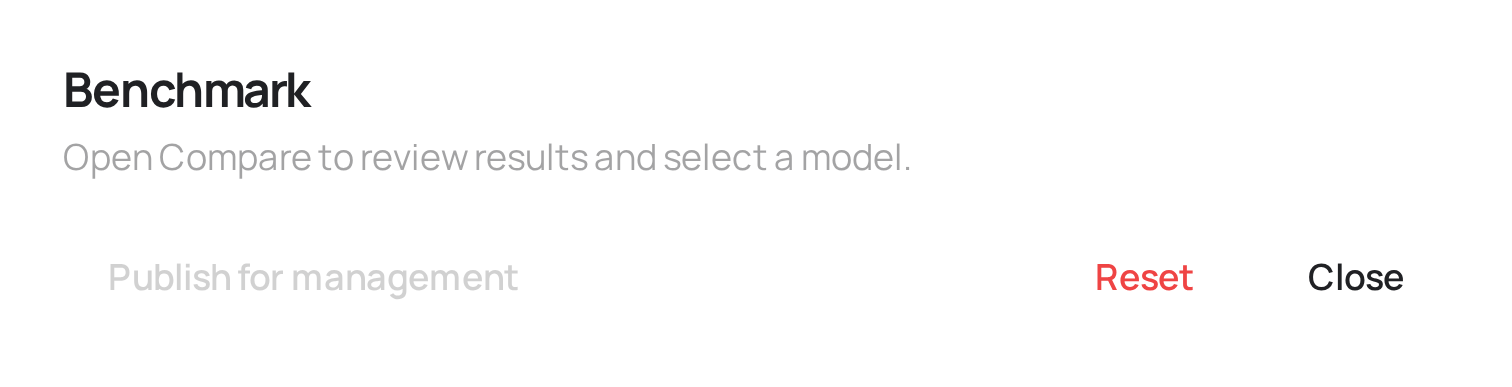
Open Compare to look at the connected models side by side — fit metrics, channel contributions, and (if connected) each one's allocator recommendation. Compare reads up to 30 connected models and shows three at a time; the dropdown above each column picks which three, ranked so the strongest candidates are at the top of the list. See Comparing models & choosing a winner for how to read what's shown there.
Setting a winner
Choosing a winner is curation, not publishing — it's an internal note to your team about which model (and which allocator, if more than one is connected to it) you consider the right answer, and it doesn't change what anyone outside the team can see by itself. You can change or clear the winner at any time; clearing it also un-publishes the flow if it was published, since a published view always shows the current winner and nothing else.
Publishing
Publish is the separate step that actually makes something visible outside your team — a public link or specific invited guests, always showing only the current winner, never a draft or a model that didn't win. Because a published view always shows the winner, the Publish button stays disabled until you've set one: curation comes first, publishing second. Publishing applies to the whole flow, not to the Benchmark node specifically — see Sharing & publishing for how access scope, guests, and the public link work.
What connects here
Upstream: any Robyn, Meridian, or PyMC model, and any budget allocator — Compare reads up to 30 of them. Benchmark has no output; it's the end of the pipeline.